Manage knowledge in a Space
Take advantage of our powerful and optimised knowledge management for AI.
Last updated About 4 hours ago
Prerequisite: the Space has already been created and you are its owner.
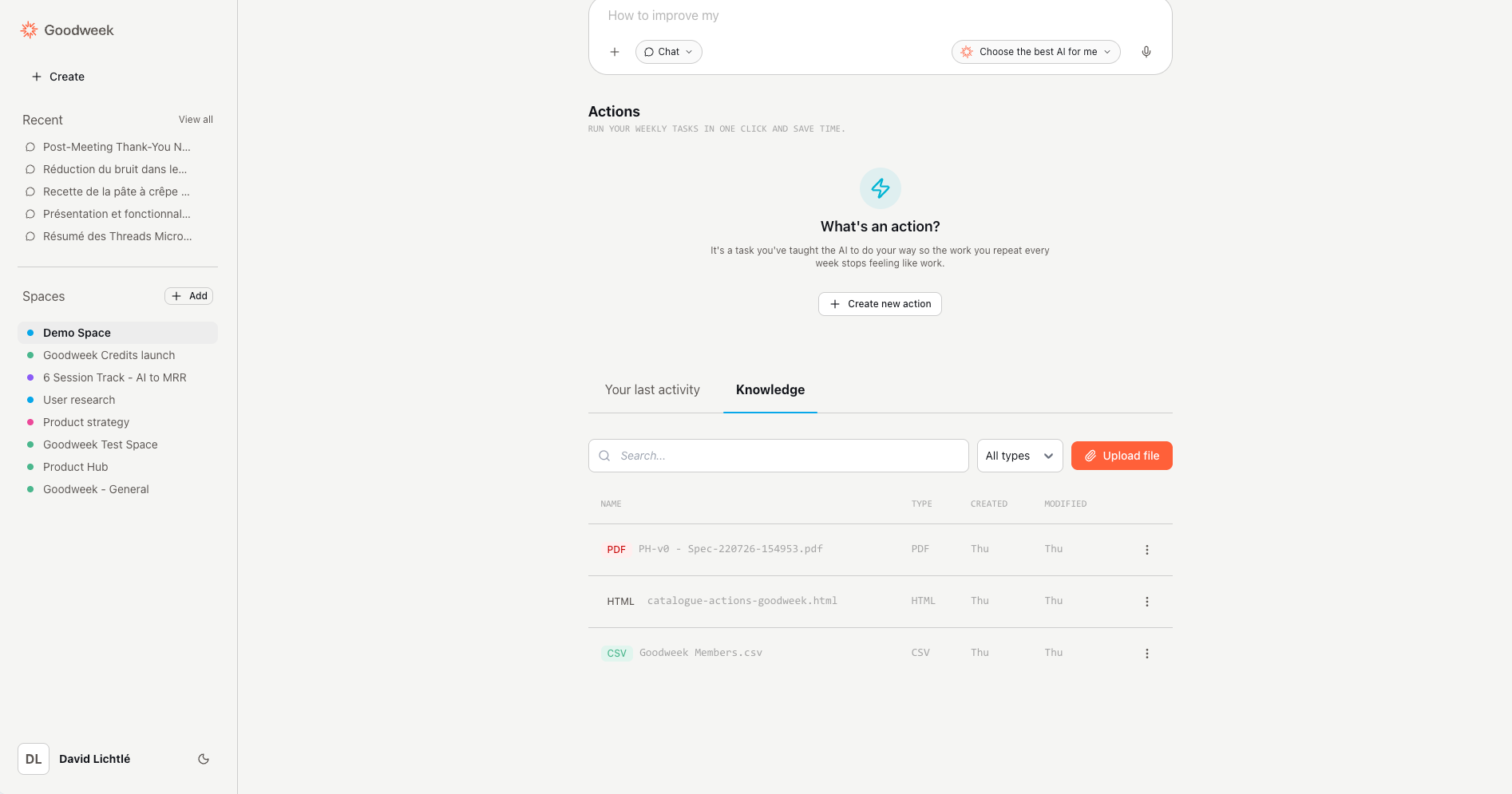
Open your Space.
Click the Knowledge tab (under the prompt input).
In the file list, click Add a file.
Select the file to import: it is added to the knowledge base, then synchronized.
Once synchronization is complete, the file can be used in your next conversations with the Space AI.
If you need to keep a “clean” knowledge base, only add files that are directly related to the Space’s purpose.
Example: for a “Branding 2027” Space, import only the files corresponding to the latest version of the brand to avoid unnecessary, outdated, or contradictory information.
To delete a file, click the delete icon at the end of the row.
If you need to replace a file, without deleting it, open the menu at the end of the row and choose the update / replace option.