Create your first Action
Start with Action in just a few clicks
Last updated About 4 hours ago
What you will accomplish: create your first Action and run it from a Chat.
Open the screen to create a new Chat.
Click the New action button.
A window opens on top of the screen.
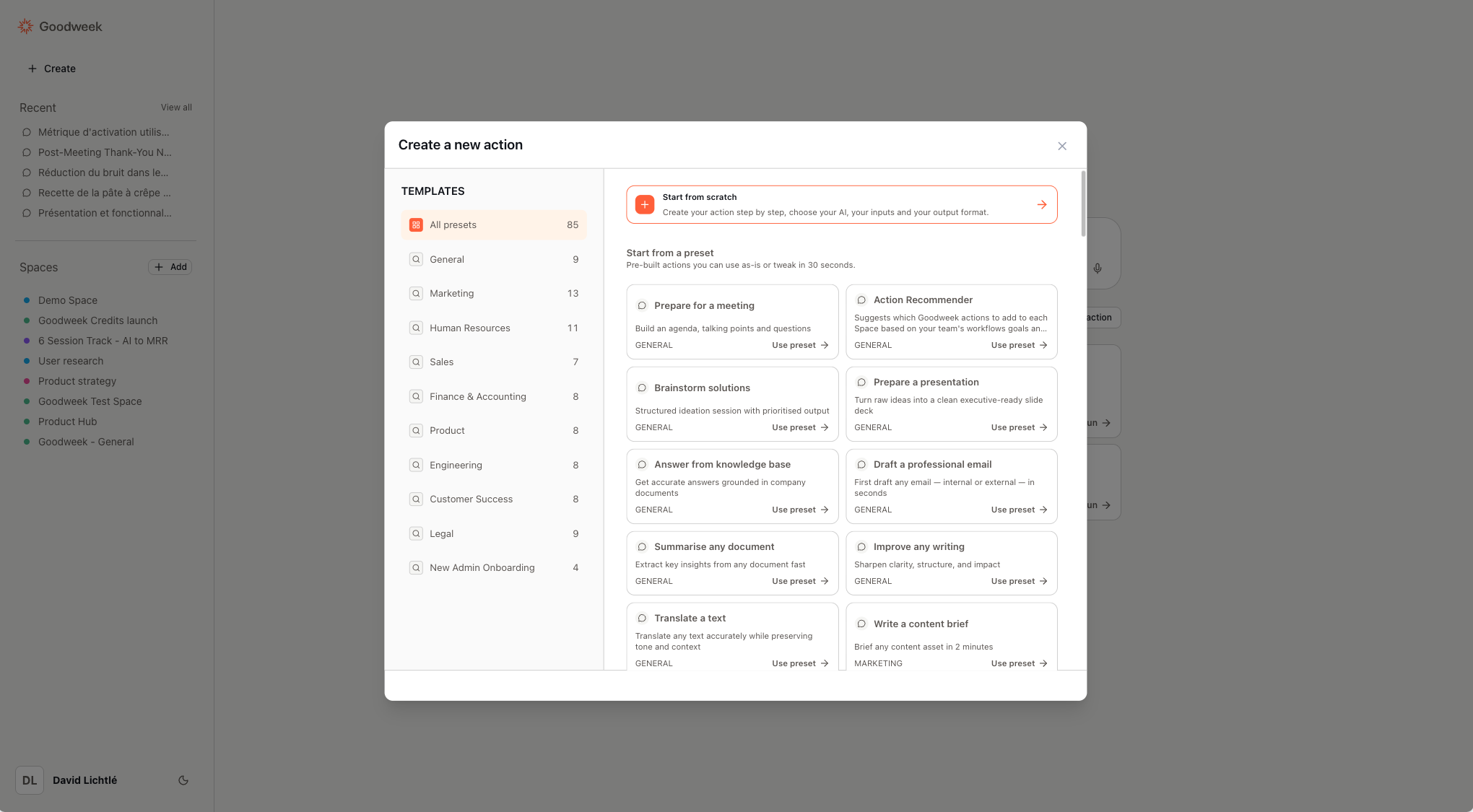
Select Create an action.
Choose From scratch (rather than a preset).
Fill in the required fields:
Instructions
Model tone
Model creativity
Name
Description
Confirm the creation of the Action.
Go back to the Chat.
Your new Action appears in the list under the field for creating a new conversation.
Click Run to execute the Action.
You have now created your first Action.